
Mobile data
Data in 200+ destinations
Country, regional and global eSIM plans. Install before you fly and switch on when you land.
Explore mobile dataStay connected in 200+ destinations with one eSIM and one balance.

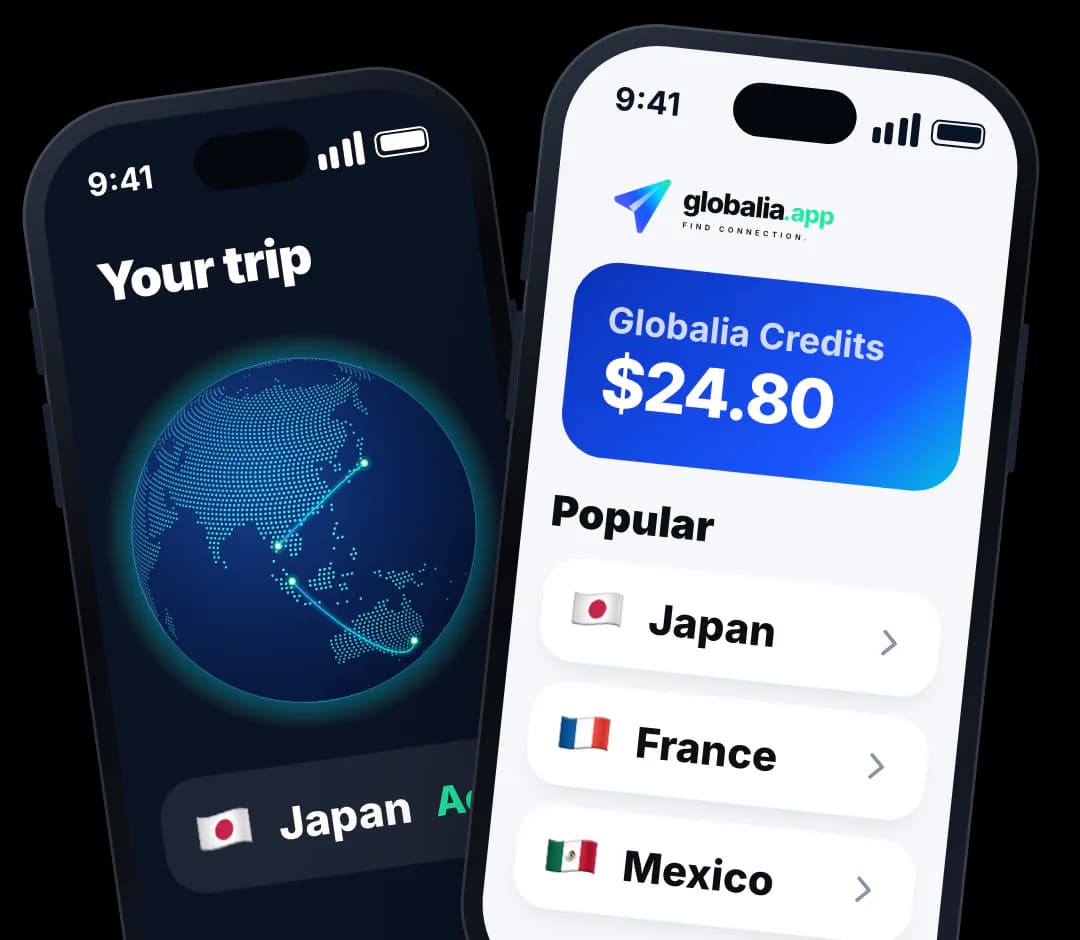
Globalia Credits
$24.80
20 GB
30 days
Globalia Credits
$24.80
Everything in one app
Mobile data, calls, phone numbers and texts, all paid from one Globalia balance.
Mobile data
Country, regional and global eSIM plans. Install before you fly and switch on when you land.
Explore mobile data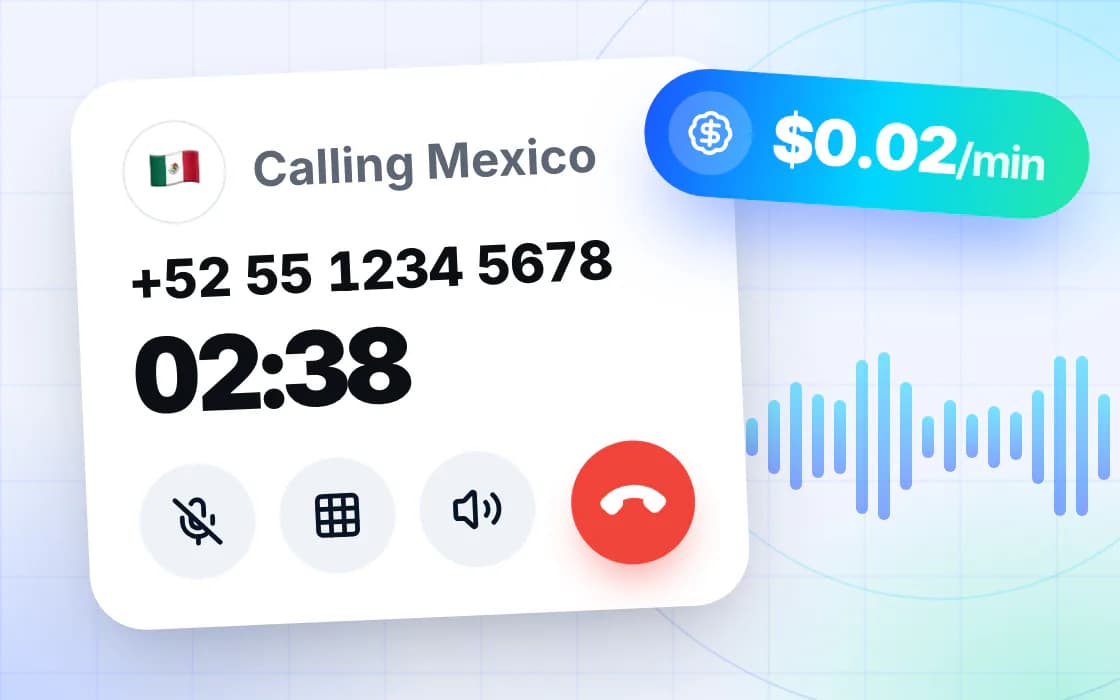
Calls
Call mobiles and landlines worldwide. You see the per-minute rate before every call connects.
Explore calls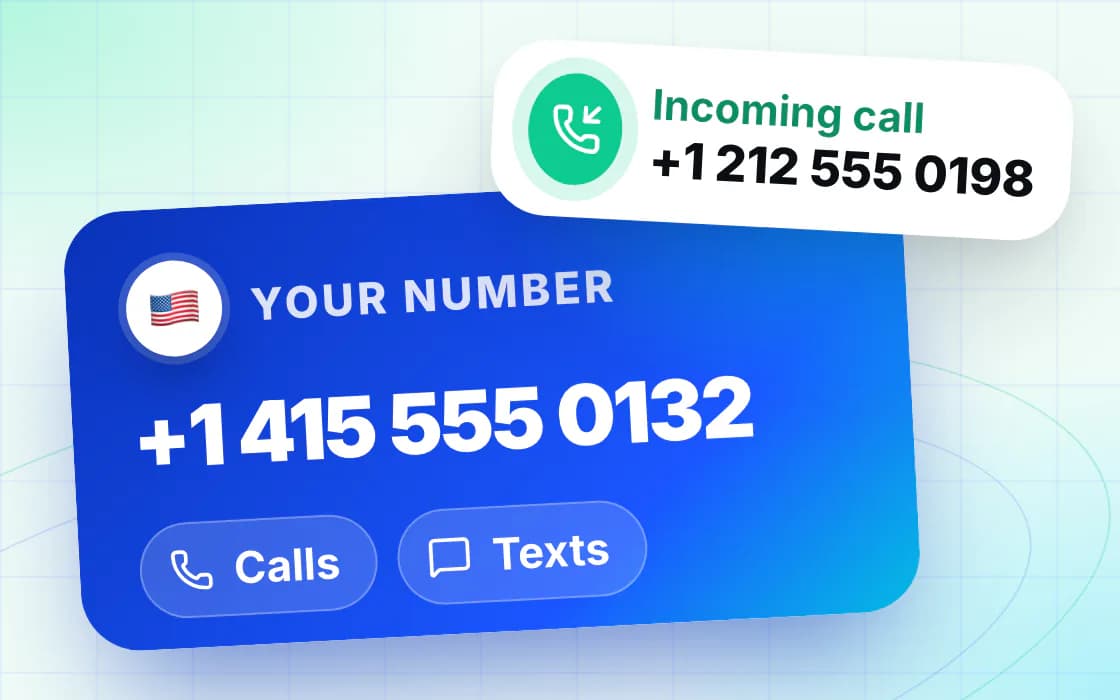
Phone numbers
A United States or Canada number for calls and texts, over Wi-Fi or mobile data. No extra SIM needed.
Explore numbers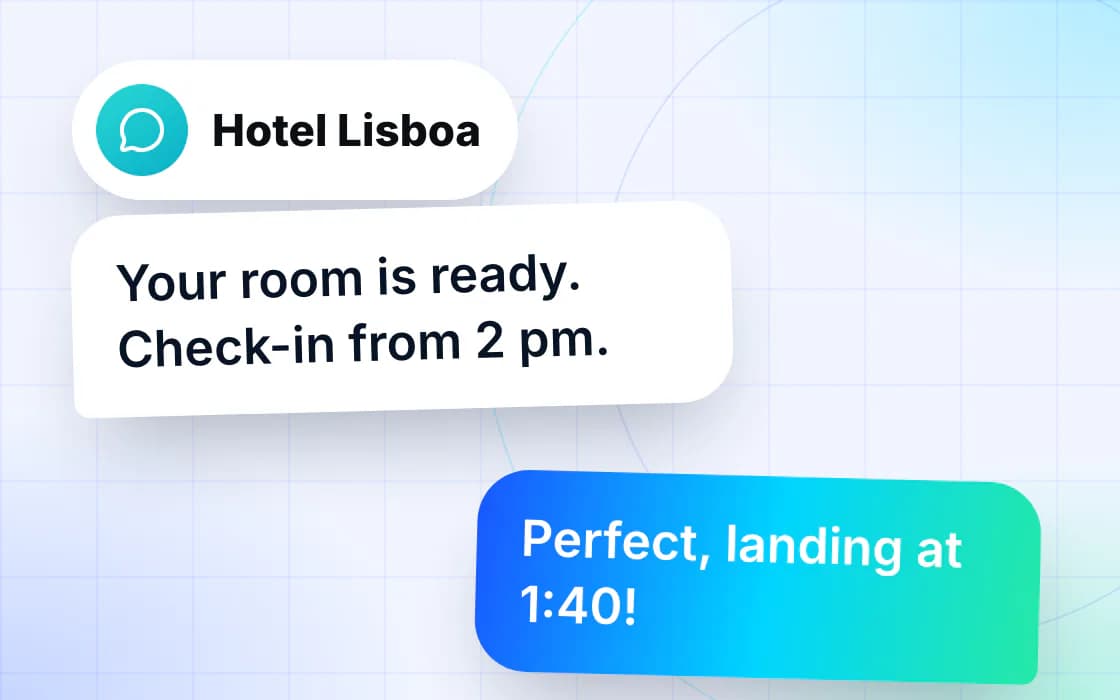
Text messages
Send and receive supported SMS from your Globalia number, next to your calls and your data.
Explore text messagesTop up Globalia Credits from $1 and spend them on calls, numbers, texts and eligible data plans.
How it works
Set it up at home before you leave, then switch it on when you land.
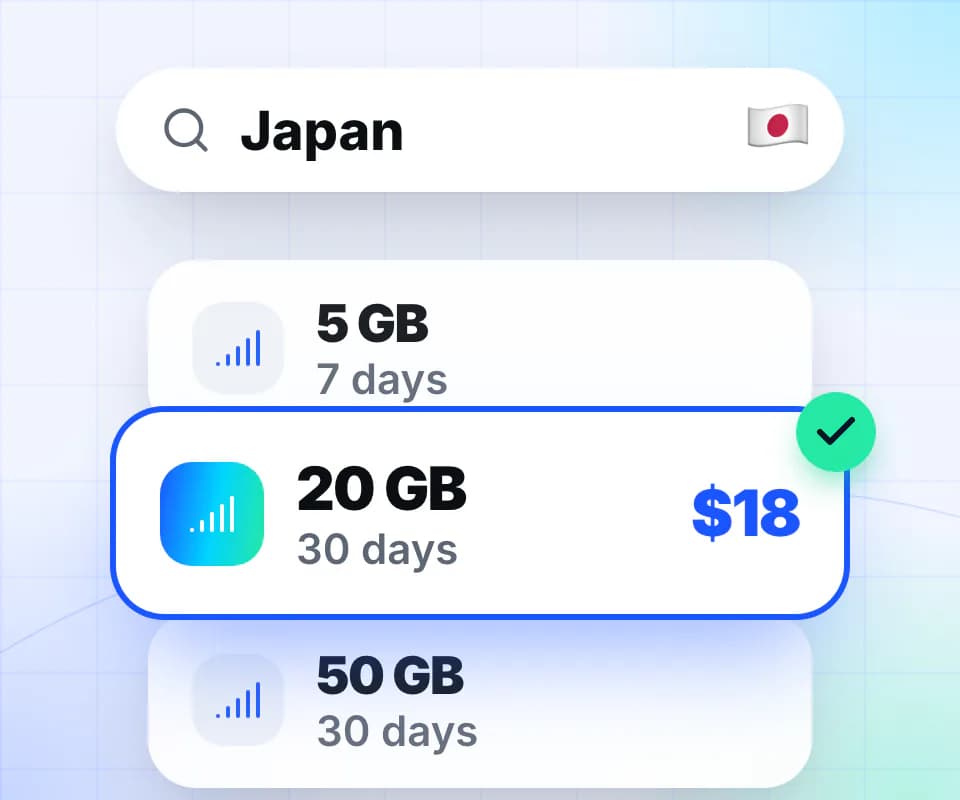
Compare country, regional and global plans by data, days and price.
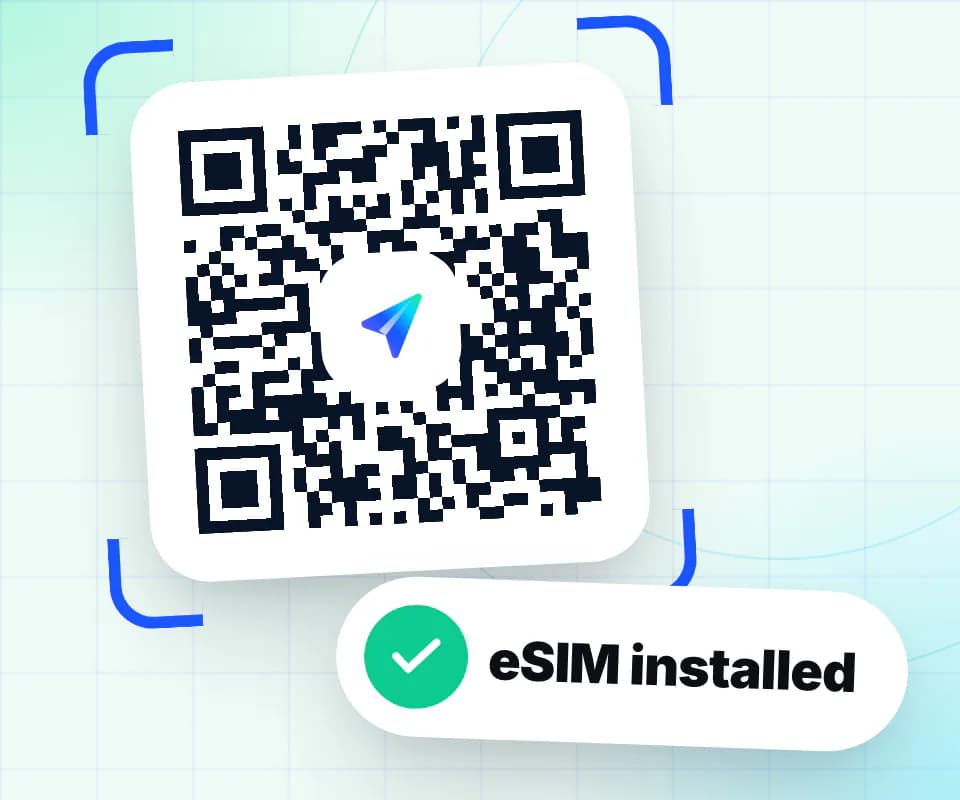
Scan the QR code or use the one-tap link after checkout. Wi-Fi is all you need.
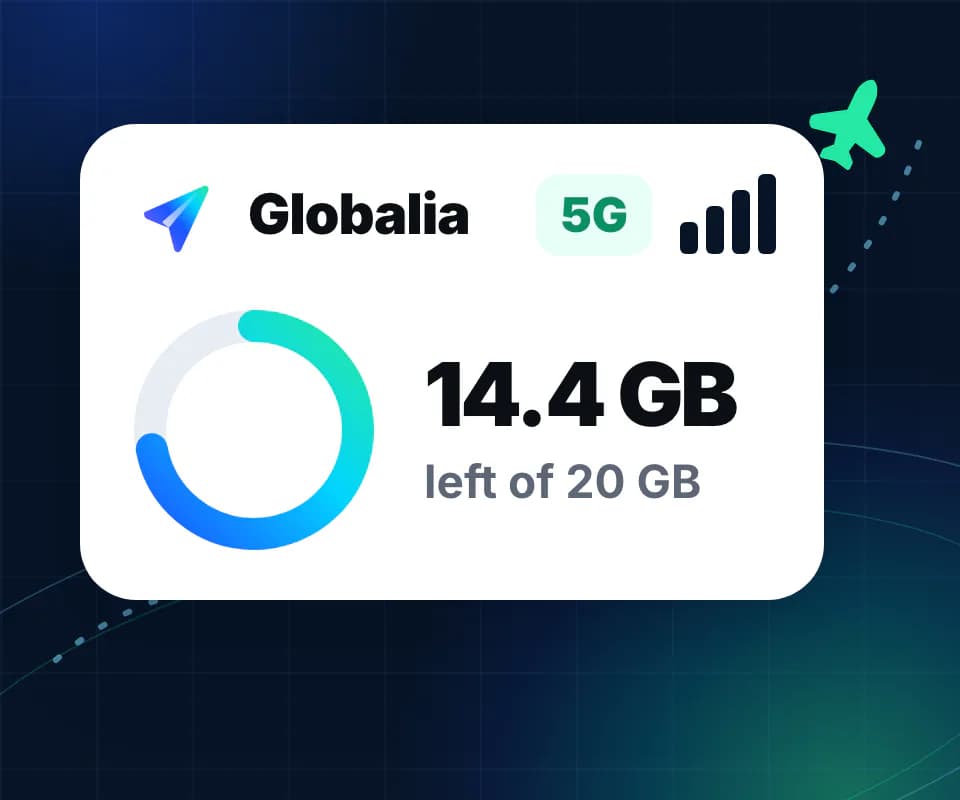
Turn the Globalia line on when you arrive and follow your data in your Globalia account.
Globalia Web Calling
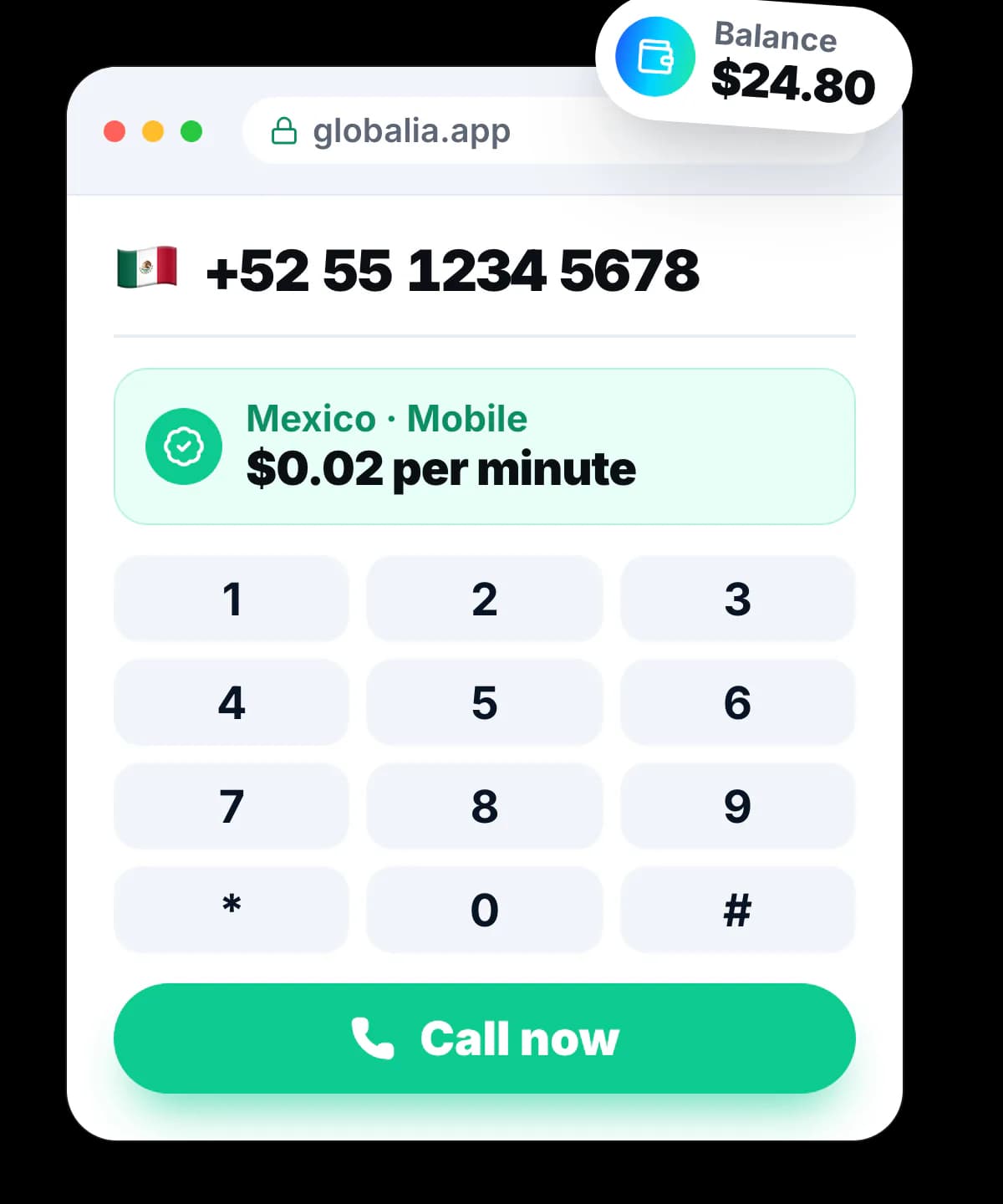
Call mobile and landline numbers worldwide from Globalia.app. See the exact rate before you connect, then pay with Globalia Credits.
Calls from$0.02/ min
See the exact per-minute rate and approve it before every call connects.
Top up any amount from $1 and use your Globalia Credits for every call.
Verify a phone number you already own and show it as your caller ID.
Pay as you go. No subscription. Emergency calling is not supported.
Calls and texts included
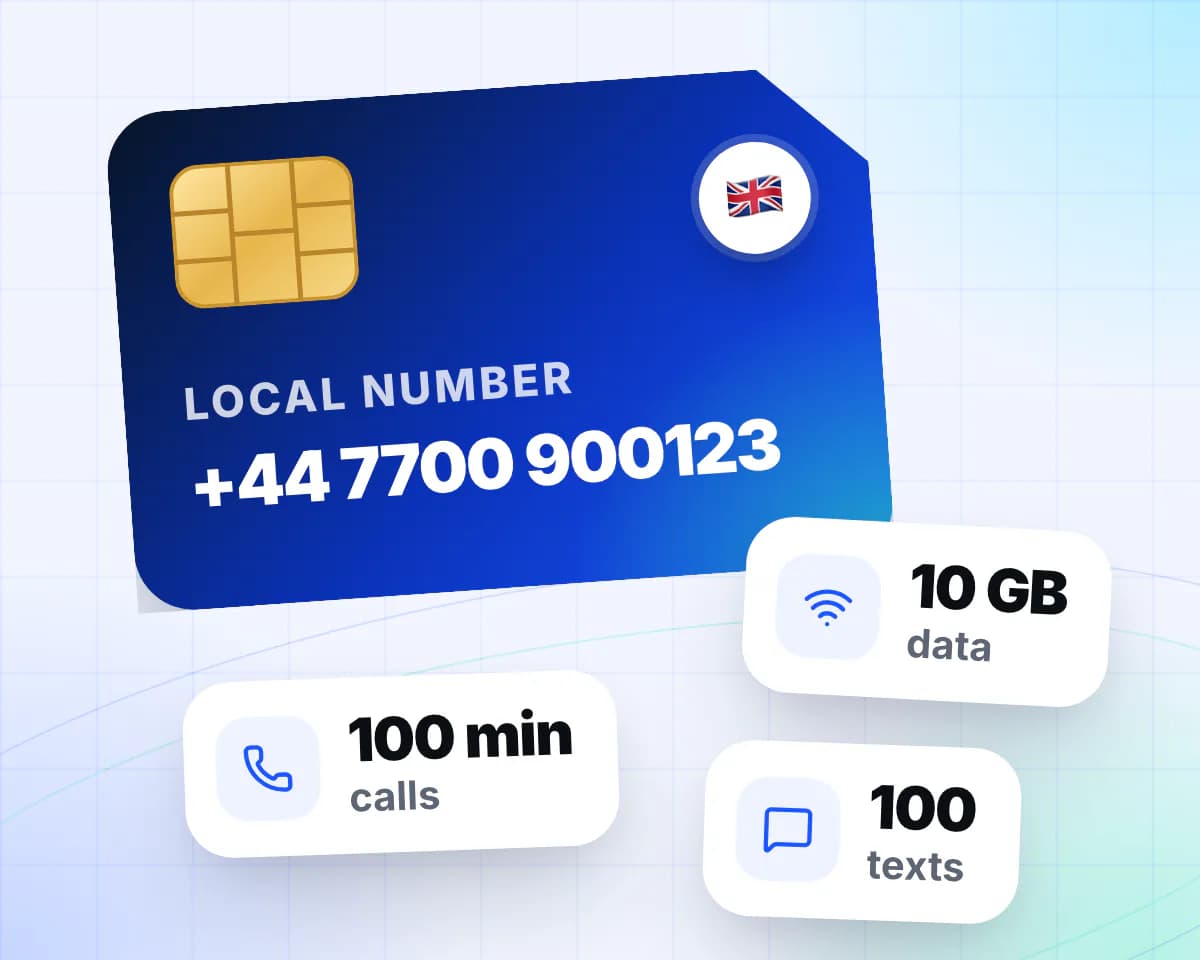
Most travel eSIMs are data only. These add a real number on the local network, plus minutes and texts, so people can call and text you while you travel.
The operator issues it with your eSIM, and it arrives with your QR code.
Each plan lists exactly how many you get, next to its data.
Which calls are allowed differs by network, so we quote each one word for word.
Plans from $5.00
Prepaid. The number belongs to the plan and is not portable.
Why Globalia
Every plan shows its data, days and price, and every call shows its rate before it connects.
Set up over Wi-Fi at home, then turn the line on when you land.
On most eSIM phones Globalia sits alongside your SIM, and you choose which line uses data.
Open support from globalia.app, and the conversation stays with your account.
Frequently asked questions
Still stuck? Write to [email protected] or open the chat.
An eSIM is a digital SIM card built into modern phones. Buy a travel plan, install it from your order, and use mobile data without swapping plastic SIM cards.
Choose a destination plan, complete checkout, then install from the QR code or one-tap link delivered after purchase.
Yes. Globalia gives travelers one place to search plans, buy data, manage orders and view account details.
Yes. Sign in, open Web Calling, enter a complete international number and approve the exact per-minute rate before the call connects.
Yes. Install before you fly so you can turn on the Globalia line when you land.
You can open support from the Globalia website and keep the conversation attached to your account.
Pick a plan now and install it before your trip. Calls, numbers and texts are in the same app.
Enter your email and we'll send you a one-time code.
Already have a code? Enter it here.